
Introduction
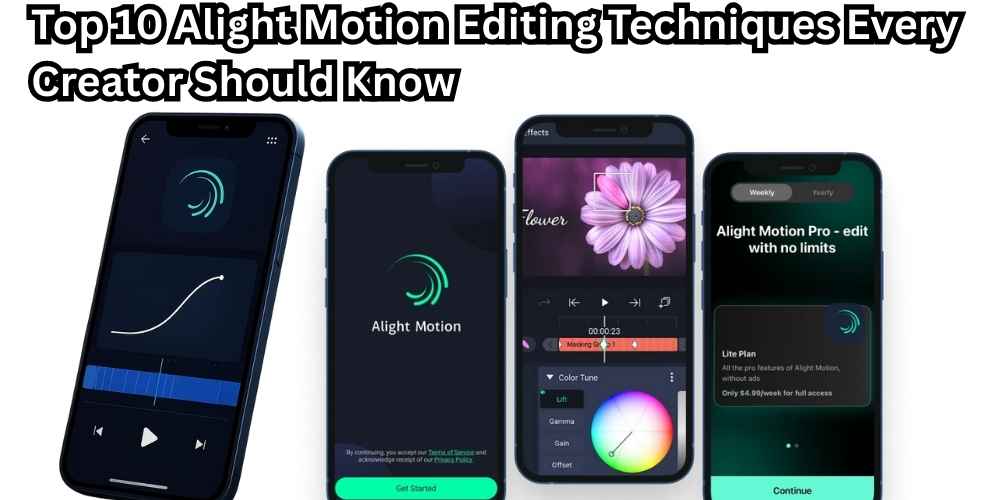
If you want your videos to stand out in 2026, simply knowing how to cut clips is not enough. Modern creators need advanced motion skills to compete on platforms like TikTok, Instagram Reels, and YouTube Shorts. That’s where Alight Motion editing techniques make a real difference.
Alight Motion Pro has become one of the most powerful mobile apps for motion graphics, animation, and video editing, giving creators professional-level control directly on their phones. In this guide, you’ll learn the top 10 Alight Motion editing techniques every creator should master to improve quality, engagement, and visual impact.
1. Mastering Keyframe Animation
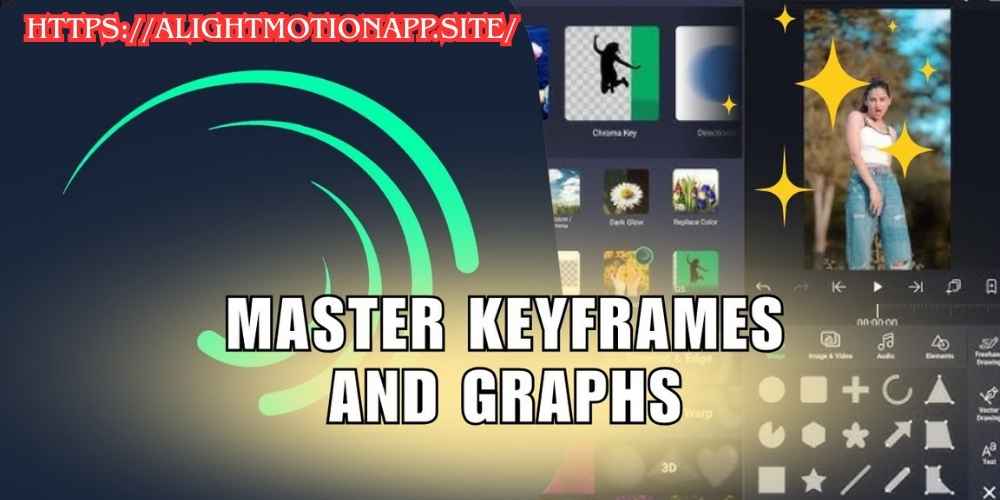
Keyframe animation is the foundation of professional editing in Alight Motion Pro. It allows you to control how elements move, scale, rotate, and fade over time.
With keyframes, you can animate:
- text
- images
- shapes
- effects
- transitions
Instead of static edits, keyframes bring life to your content. Smooth motion, controlled timing, and realistic movement are all possible when keyframes are used correctly. Mastering Alight Motion keyframe animation is essential for anyone serious about motion graphics.
2. Using Velocity Edits for Cinematic Motion
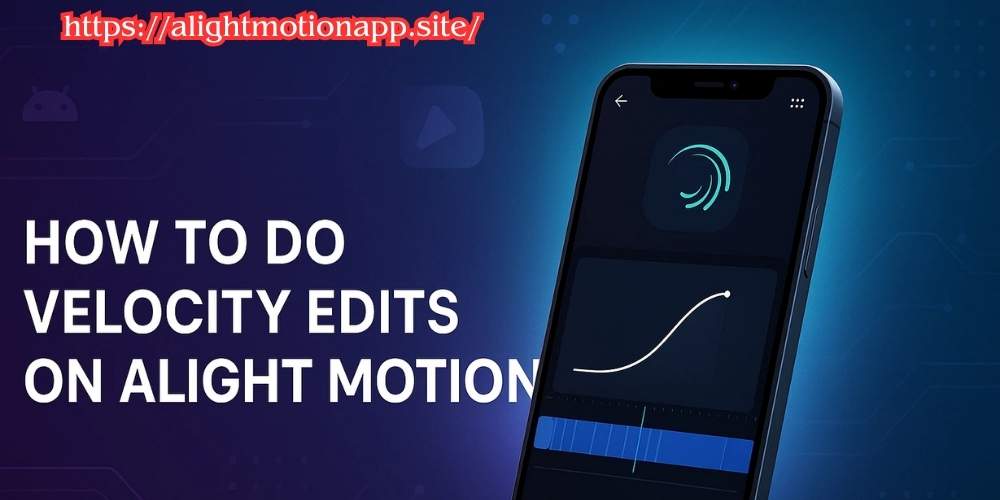
Velocity edits control speed changes inside a clip, creating dramatic slow-motion or fast-paced transitions. This technique is extremely popular in cinematic edits and social media reels.
With velocity control in Alight Motion, you can:
- slow down emotional moments
- speed up action scenes
- create smooth speed ramps
Proper velocity edits make videos feel dynamic and professional, especially when synced with music beats.
3. Blending Modes for Creative Visual Effects
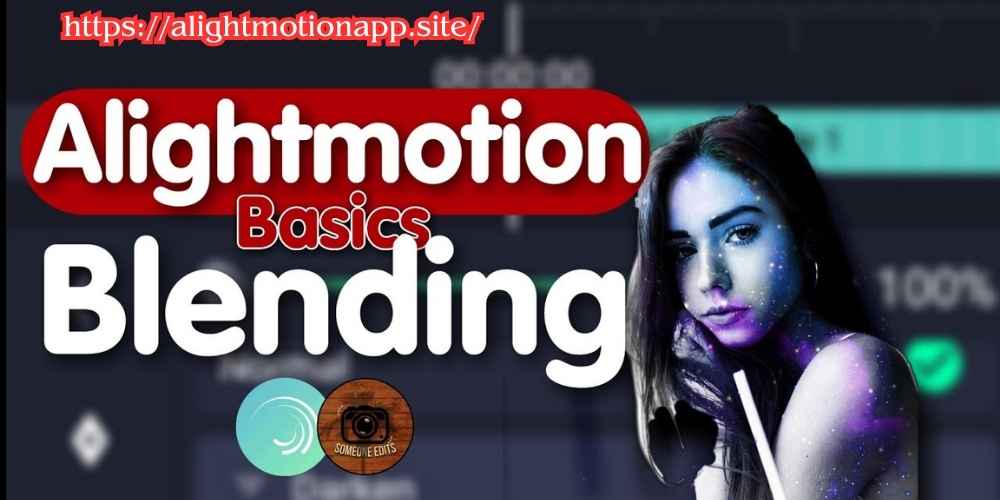
Blending modes allow layers to interact visually, creating stunning effects without heavy editing. In Alight Motion Pro, blending modes are widely used for aesthetic and cinematic styles.
Popular blending uses include:
- light leaks
- double exposure
- glow effects
- color overlays
Understanding Alight Motion blending modes helps creators design unique visuals that stand out on social media feeds.
4. Professional Text Animation Techniques
Text animation plays a huge role in modern video content. With Alight Motion text animation, you can create titles that move smoothly and match your video’s energy.
By combining:
- keyframes
- easing curves
- motion blur
you can build kinetic typography that grabs attention instantly. Animated text works especially well for intros, captions, and promotional videos.
5. Advanced Transitions with Motion Blur
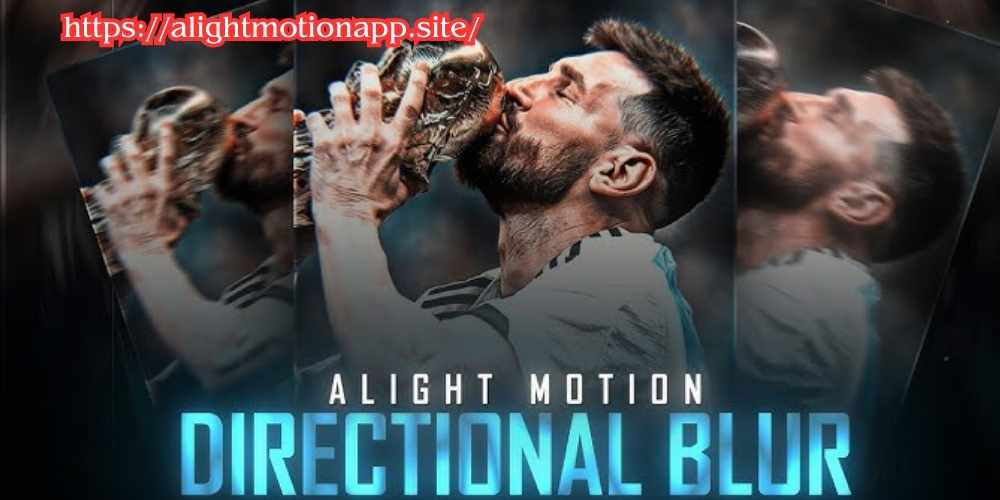
Transitions feel much more natural when motion blur is applied. This technique adds realism by mimicking real camera movement.
In Alight Motion Pro, motion blur helps:
- smooth fast movements
- reduce harsh transitions
- create cinematic flow
When combined with keyframes and velocity edits, motion blur elevates your video quality instantly.
6. Vector Graphics for Clean & Scalable Designs
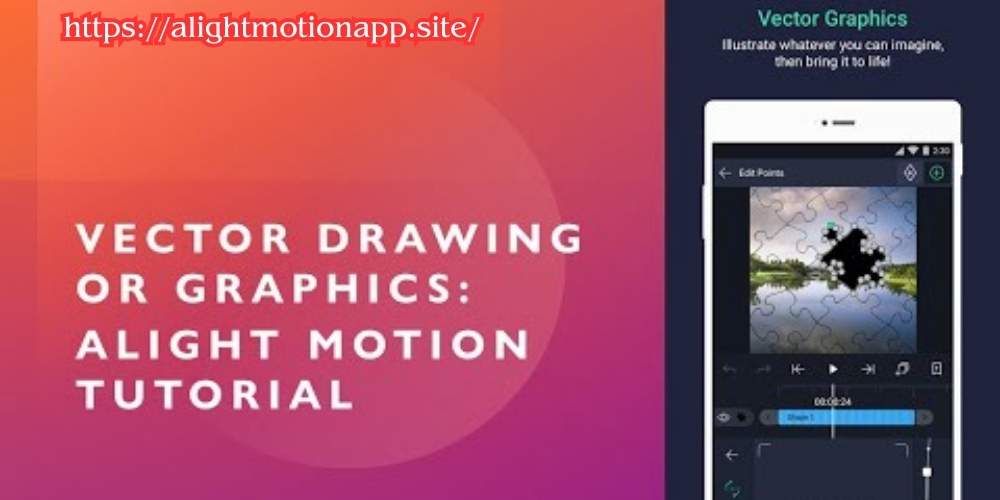
One of the biggest advantages of Alight Motion is its support for vector graphics. Unlike images, vectors stay sharp at any size.
Vector tools allow you to:
- design logos
- create icons
- animate shapes
- build clean transitions
Using vector animation in Alight Motion ensures professional-looking visuals without quality loss.
7. Layer Management for Complex Projects
As projects grow, poor organization can slow everything down. Layer management in Alight Motion keeps your workflow clean and efficient.
Best practices include:
- naming layers clearly
- grouping related elements
- locking finished layers
Proper layer organization reduces lag and helps maintain full control over complex edits.
8. Color Correction & Cinematic Grading
Color plays a huge role in how your video feels. With Alight Motion color correction, you can control mood, tone, and visual consistency.
You can adjust:
- brightness and contrast
- saturation
- highlights and shadows
- gradient overlays
Cinematic grading makes content look professional and helps establish a recognizable style
9. Audio Syncing with Animations
Visuals feel incomplete without proper sound alignment. Audio syncing in Alight Motion allows you to match animations perfectly with music beats or voiceovers.
This technique is essential for:
- TikTok edits
- reels and shorts
- rhythm-based videos
Beat-synced animations significantly improve engagement and viewer retention.
10. Export Settings for Best Quality Output
Even the best edit can be ruined by poor export settings. Alight Motion export settings determine how sharp and smooth your final video looks.
For best results:
- choose the correct resolution
- use proper frame rates
- avoid unnecessary compression
High-quality exports ensure your videos look professional on every platform.
Conclusion
Mastering these Alight Motion editing techniques can completely transform your content. From keyframe animation and velocity edits to blending modes and color grading, each technique helps you create videos that feel professional, cinematic, and engaging.
Whether you’re a beginner or an advanced editor, practicing these methods inside Alight Motion Pro will improve your skills and help your content stand out in 2026.
Consistency, creativity, and smart editing techniques are what separate average videos from great ones — and now you have the tools to do exactly that.

3 Comments
[…] Visit more : Top 10 Alight Motion Editing Techniques Every Creator Should Know […]
[…] visit : Top 10 Alight Motion Editing Techniques Every Creator Should Know […]
[…] you mix a strong idea with Alight Motion motion graphics, your chances of going viral increase […]